
Master basic principles
of Editing in 4 hours
- Know what to cut, keep and show
- Use colour, text and sound to hold attention
- Turn raw footage into a video ready to post
 Live Workshop Recording
Can shoot videos, but editing keeps you stuck?
You stare at your footage, unsure where to begin.
You add cuts, text and music, but it still feels boring.
One video takes so long that you keep delaying the post.
The editing basics we learned over years,
simplified into 4 hours.
We have edited thousands of videos across Instagram and YouTube. This workshop brings together what worked, what failed and what made us better editors.
Free Bonus worth ₹3,997
3 HANDPICKED BONUSES TO LEVEL UP YOUR CREATOR JOURNEYEditing Resource Library
Books, films, podcasts and videos to sharpen your editing.

SFX & Music Starter Pack
Ready-to-use sounds and music for your videos.

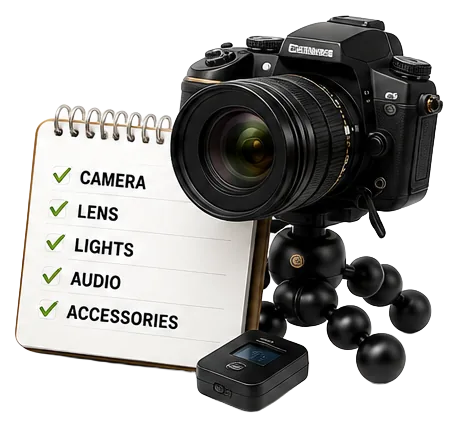
Creator Gear Guide
Gear to start with and upgrade as you grow.
22+ lessons across 4 chapters
Colour & what it conveys
Eye line & focus point
Fonts, text psychology & subtitles
Types of cuts
Keyframing
B-roll & images
Texture & psychology
Types of shots
Sound effects & background music
Green screen
Viral formats & why they matter
Margins, CTAs & export settings
Image generation, upscaling, expand and extend with AI: the parts that genuinely save a beginner hours. Only then do we open the software, because now you have a reason to.
Generate images that match your footage
Upscale, expand & extend existing frames
Tool tour: Premiere Pro, After Effects, Canva
Timeline & layer structure, explained plainly
Laying B-roll smoothly over a speaking shot
Subtitles live, with the colour & font reasoning
BGM + SFX with volume ducking in action
1–2 basic cuts, demonstrated live
Extensions: a map animation plugin, quickly
Keyboard shortcuts that get you editing faster
The recording carries the whole Q&A. Real beginners asking out loud, cameras on, answered properly — the questions you are about to have are almost certainly in there.
Questions on everything from the four hours
We ran until the questions did, and kept it all in
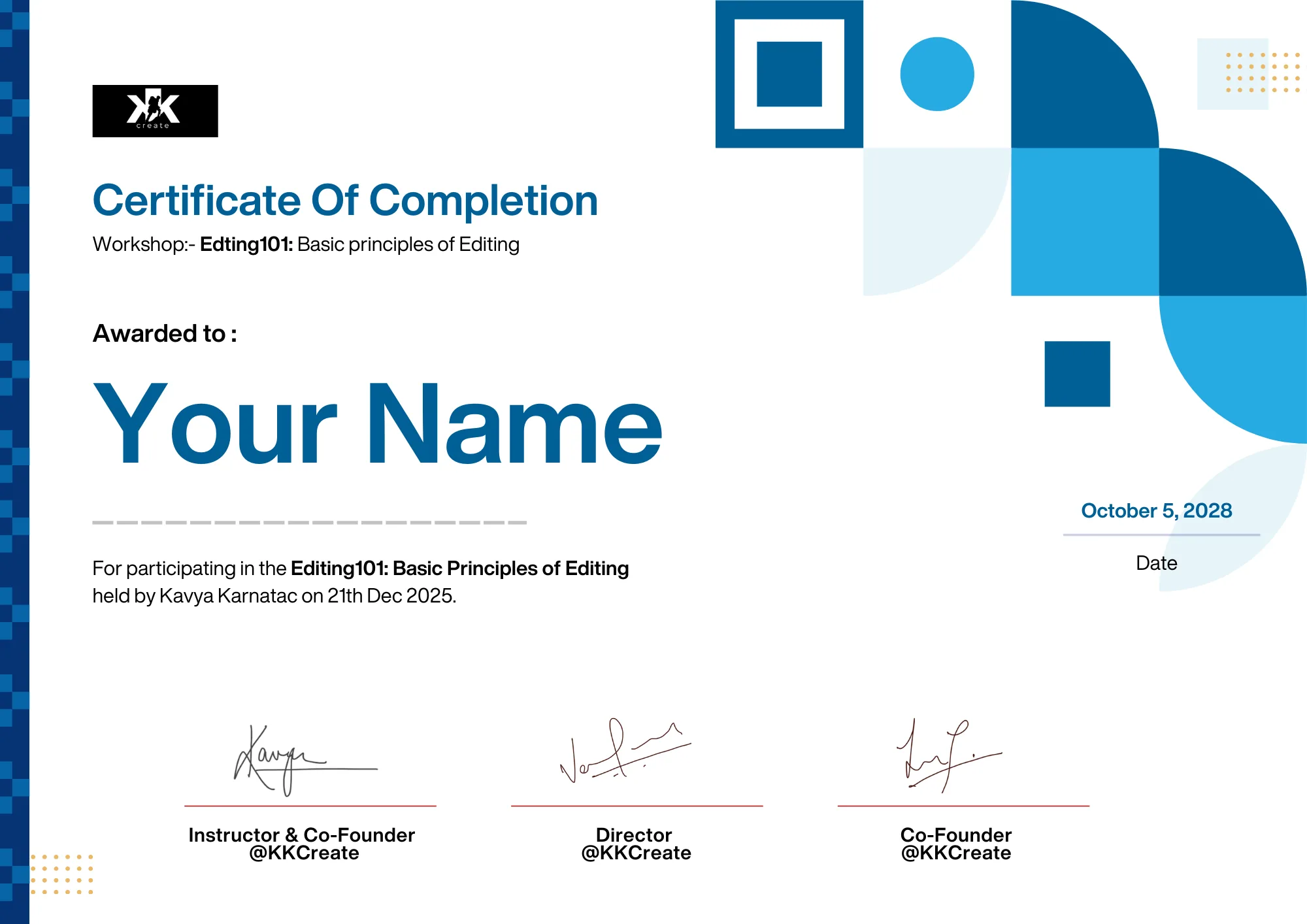
Get Certified

Varun Pandey
Course Lead, KK Create
Varun has spent over six years creating and improving digital videos. He led a content channel to 100K+ followers. His work has reached millions of views and earned appreciation from Karan Johar and Anurag Kashyap.
At KK Create, he helped Kavya build the long-form video vertical from scratch. Over the years, he has learned how structure, cuts, pacing, visuals and sound can completely change the way a video feels.
In this workshop, Varun will simplify those lessons for complete beginners, so you can stop guessing and start editing your own videos with confidence.
When he’s not creating, Varun is either chasing 10K steps, shooting hoops or debating politics with someone who firmly disagrees.